> ## Documentation Index
> Fetch the complete documentation index at: https://docs.dropcv.work/llms.txt
> Use this file to discover all available pages before exploring further.
# Claude Code
> Anthropic 官方 AI 编程 CLI,终端内直接操作人才库。
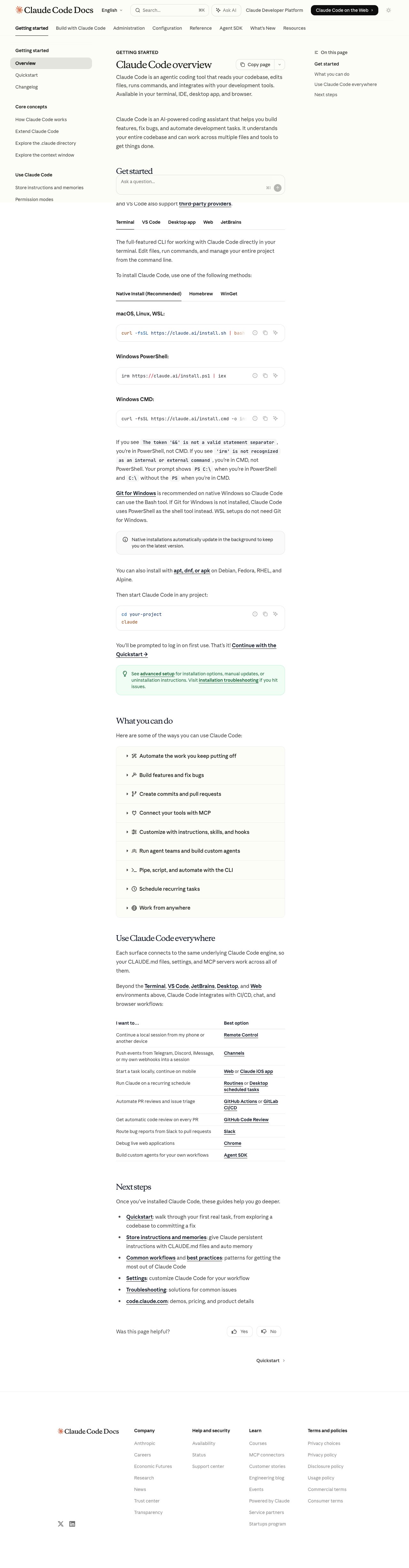 Claude Code 是 Anthropic 官方的命令行 AI 工具,在终端中通过对话完成编程和任务。它原生支持 MCP,是操作 DropCV 人才库体验最好的 CLI 工具之一。
## 适用场景
* 习惯在终端工作
* 需要写脚本批量处理候选人数据
* 想在 CI/CD 中集成人才库操作
## 安装
```bash theme={null}
npm install -g @anthropic-ai/claude-code
```
```bash theme={null}
claude
```
首次运行会引导你登录 Anthropic 账号并选择模型。
在你的项目目录下创建 `.mcp.json` 文件:
```json theme={null}
{
"mcpServers": {
"dropcv": {
"url": "https://api.dropcv.work/api/external/v1/mcp/mcp",
"headers": {
"Authorization": "Bearer <你的 API Key>"
}
}
}
}
```
保存后,Claude Code 会自动加载这个配置。
**全局配置**(所有项目生效):
```bash theme={null}
claude mcp add dropcv --transport http https://api.dropcv.work/api/external/v1/mcp/mcp --header "Authorization:Bearer <你的 API Key>"
```
```bash theme={null}
claude
```
在对话中说:"列出所有可用的 MCP 工具",如果看到 DropCV 相关工具,说明配置成功。
```bash theme={null}
claude
```
在 Claude Code 对话中:
* "帮我从 DropCV 人才库里搜索 3 年以上 React 经验的候选人"
* "查看候选人张三的完整档案,然后帮我写一份评估报告"
* "帮我写一个脚本,把人才库里所有候选人导出为 CSV"
## 脚本模式
Claude Code 支持非交互式执行:
```bash theme={null}
claude -p "从 DropCV 人才库里找出所有在上海的候选人,输出为 JSON"
```
适合在脚本和 CI/CD 中使用。
Claude Code 是 Anthropic 官方的命令行 AI 工具,在终端中通过对话完成编程和任务。它原生支持 MCP,是操作 DropCV 人才库体验最好的 CLI 工具之一。
## 适用场景
* 习惯在终端工作
* 需要写脚本批量处理候选人数据
* 想在 CI/CD 中集成人才库操作
## 安装
```bash theme={null}
npm install -g @anthropic-ai/claude-code
```
```bash theme={null}
claude
```
首次运行会引导你登录 Anthropic 账号并选择模型。
在你的项目目录下创建 `.mcp.json` 文件:
```json theme={null}
{
"mcpServers": {
"dropcv": {
"url": "https://api.dropcv.work/api/external/v1/mcp/mcp",
"headers": {
"Authorization": "Bearer <你的 API Key>"
}
}
}
}
```
保存后,Claude Code 会自动加载这个配置。
**全局配置**(所有项目生效):
```bash theme={null}
claude mcp add dropcv --transport http https://api.dropcv.work/api/external/v1/mcp/mcp --header "Authorization:Bearer <你的 API Key>"
```
```bash theme={null}
claude
```
在对话中说:"列出所有可用的 MCP 工具",如果看到 DropCV 相关工具,说明配置成功。
```bash theme={null}
claude
```
在 Claude Code 对话中:
* "帮我从 DropCV 人才库里搜索 3 年以上 React 经验的候选人"
* "查看候选人张三的完整档案,然后帮我写一份评估报告"
* "帮我写一个脚本,把人才库里所有候选人导出为 CSV"
## 脚本模式
Claude Code 支持非交互式执行:
```bash theme={null}
claude -p "从 DropCV 人才库里找出所有在上海的候选人,输出为 JSON"
```
适合在脚本和 CI/CD 中使用。